



JULY 6, 2026 – MARCH 31, 2027
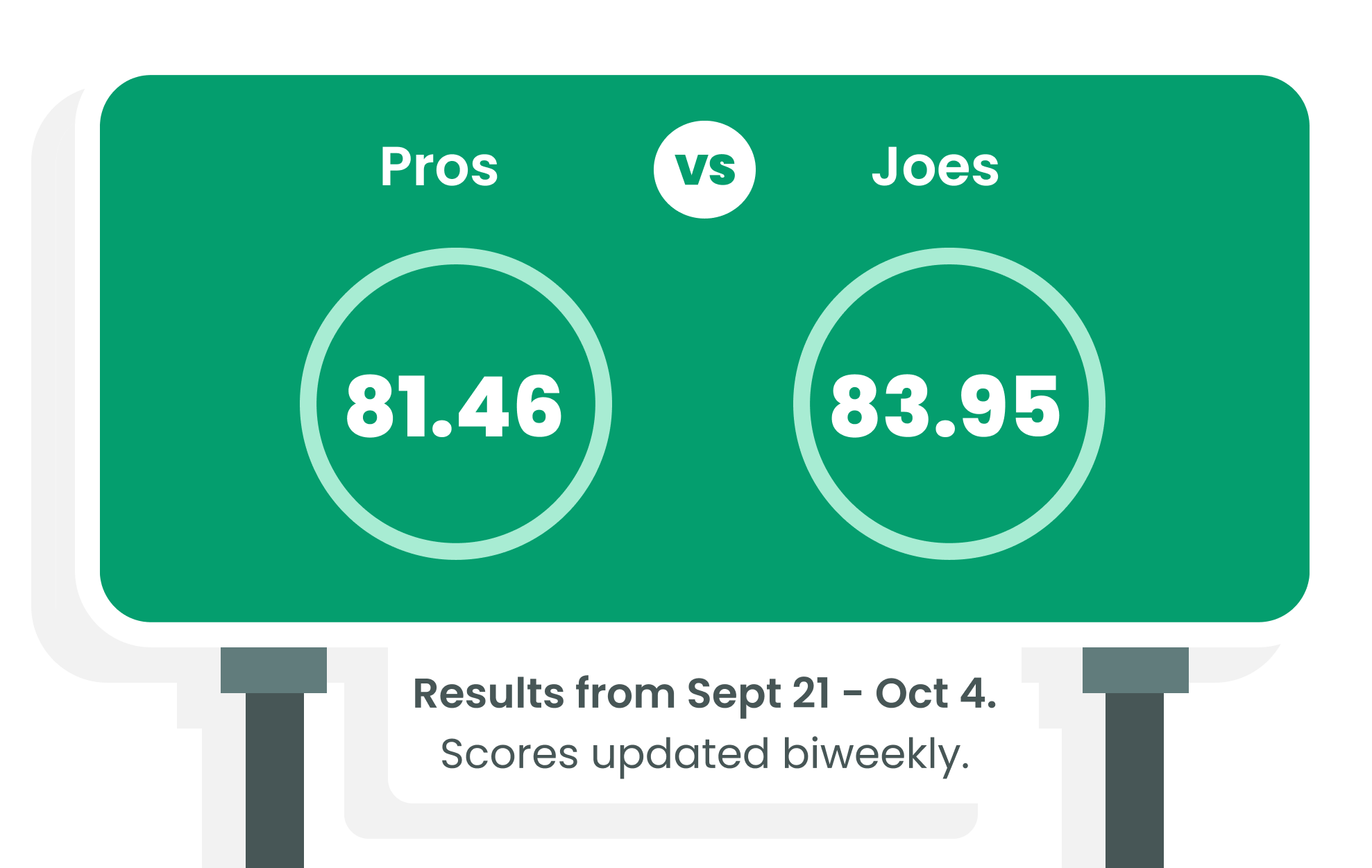
Pros vs. Joes
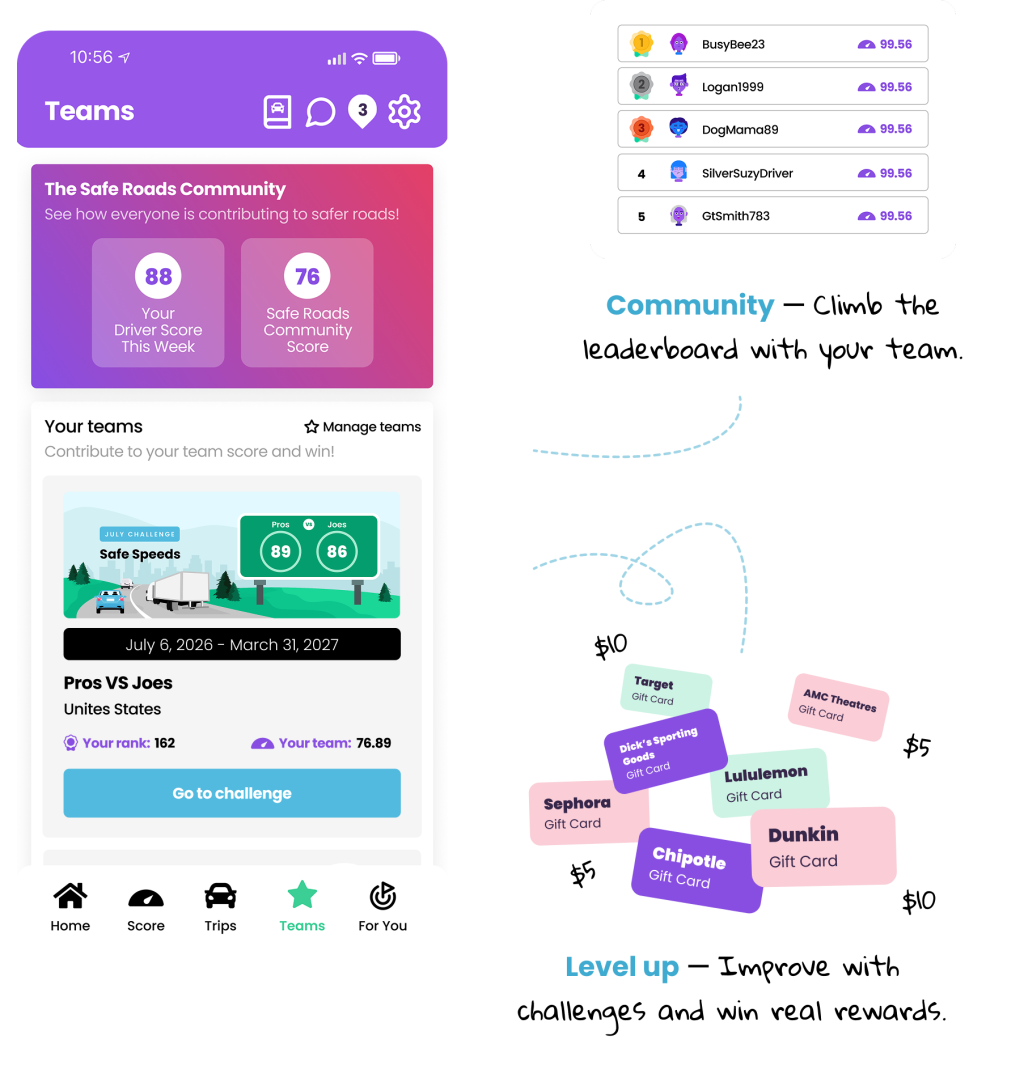
Think professional drivers are safer than everyday drivers? Join Team CMVPRO and help settle the score. Compete against four-wheelers, earn rewards for safe driving, climb the leaderboard, and unlock chances to win exclusive prizes.
Download the app, join Team PRO using code CMVPRO, and complete your first safe trip to receive a $5 gift card credit redeemable at hundreds of retailers, restaurants, fuel stations, and more.
July Challenge: Safe Speeds
Speed plays a major role in crash severity and stopping distance—especially for commercial vehicles. This month, we’re challenging Team PRO drivers to show that safe, professional driving starts with smart speed choices.
Whether you’re navigating work zones, changing weather conditions, heavy traffic, or long stretches of highway, choosing a safe speed helps protect you and everyone sharing the road.
Earn bonus rewards throughout July by demonstrating safe speed habits and maintaining strong speed scores in the app.
Win Big in This Month's Challenge:
*Prizes are donated by Safe Roads Challenge or local sponsors, as specified on each prize announced.
SKILL
JULY 6 - 31
Speed Score 80+
$50 Gift Card Prize
QUEST
JULY 6 - 12
Speed Score 80+
$5 Gift Card Prize
QUEST
JULY 13 - 19
Brake Score 80+
$5 Gift Card Prize
QUEST
JULY 20 - 26
Speed Score 80+
$10 Gift Card Prize
QUEST
JULY 27 - AUG 2
Acceleration Score 70+
$5 Gift Card Prize
And build entries towards the Grand Prize!
At the end of the challenge, one Team PRO driver will earn access to the Prize Vault. Every day you drive and earn a total score of 80+, you’ll receive 1 entry towards winning the Grand Prize - a chance to access the $100,000 Prize Vault. Inside the vault are 100 sealed prizes, a mix of big wins and instant surprises: 1 Grand Prize of $100,000 and 99 prizes ranging from $500–$2,000. Drive safe, earn entries, and see what’s waiting behind the vault door.
Drive both a commercial vehicle and a personal vehicle? No problem.
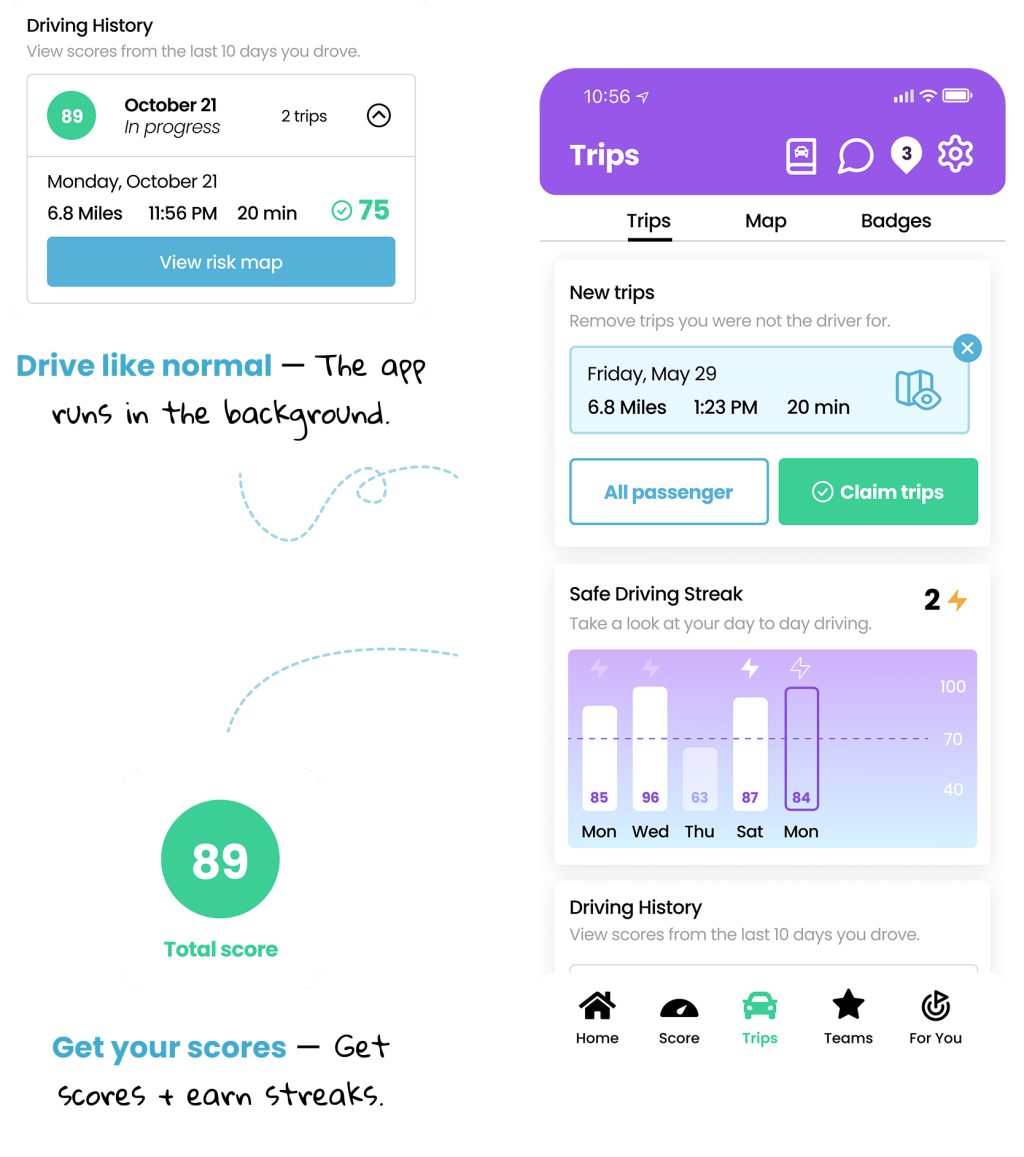
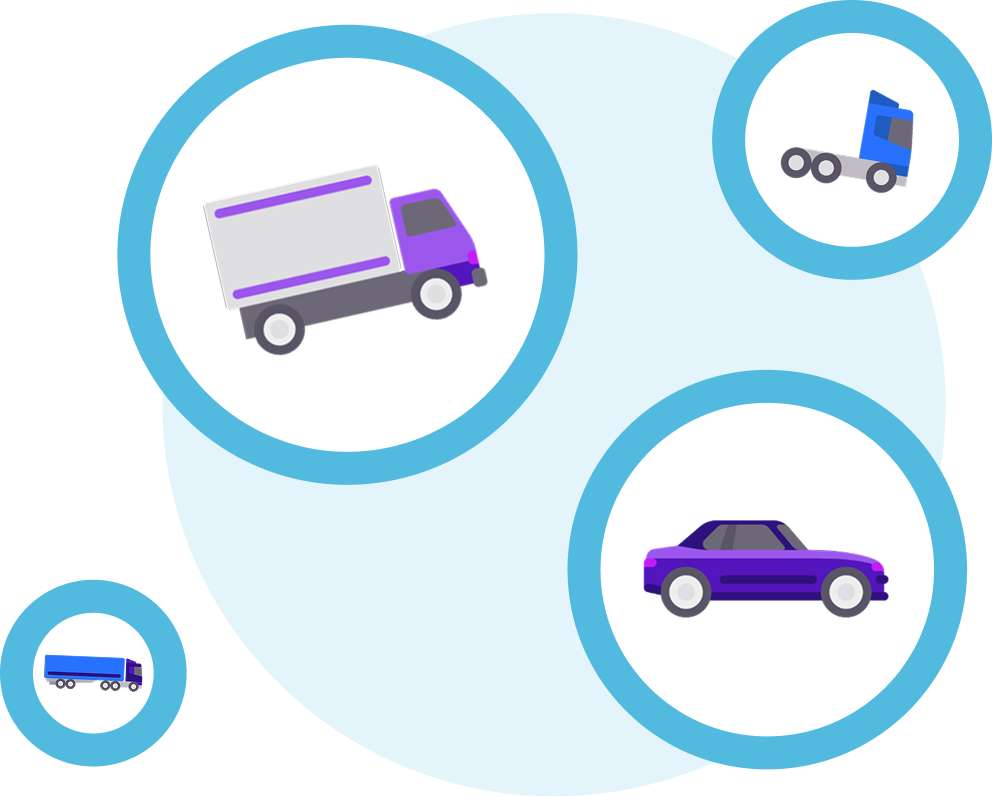
The app allows you to toggle different vehicle types before you drive, helping ensure your driving is scored appropriately whether you're behind the wheel of a tractor-trailer or your everyday vehicle.
Visit the App Settings section to update your vehicle type.
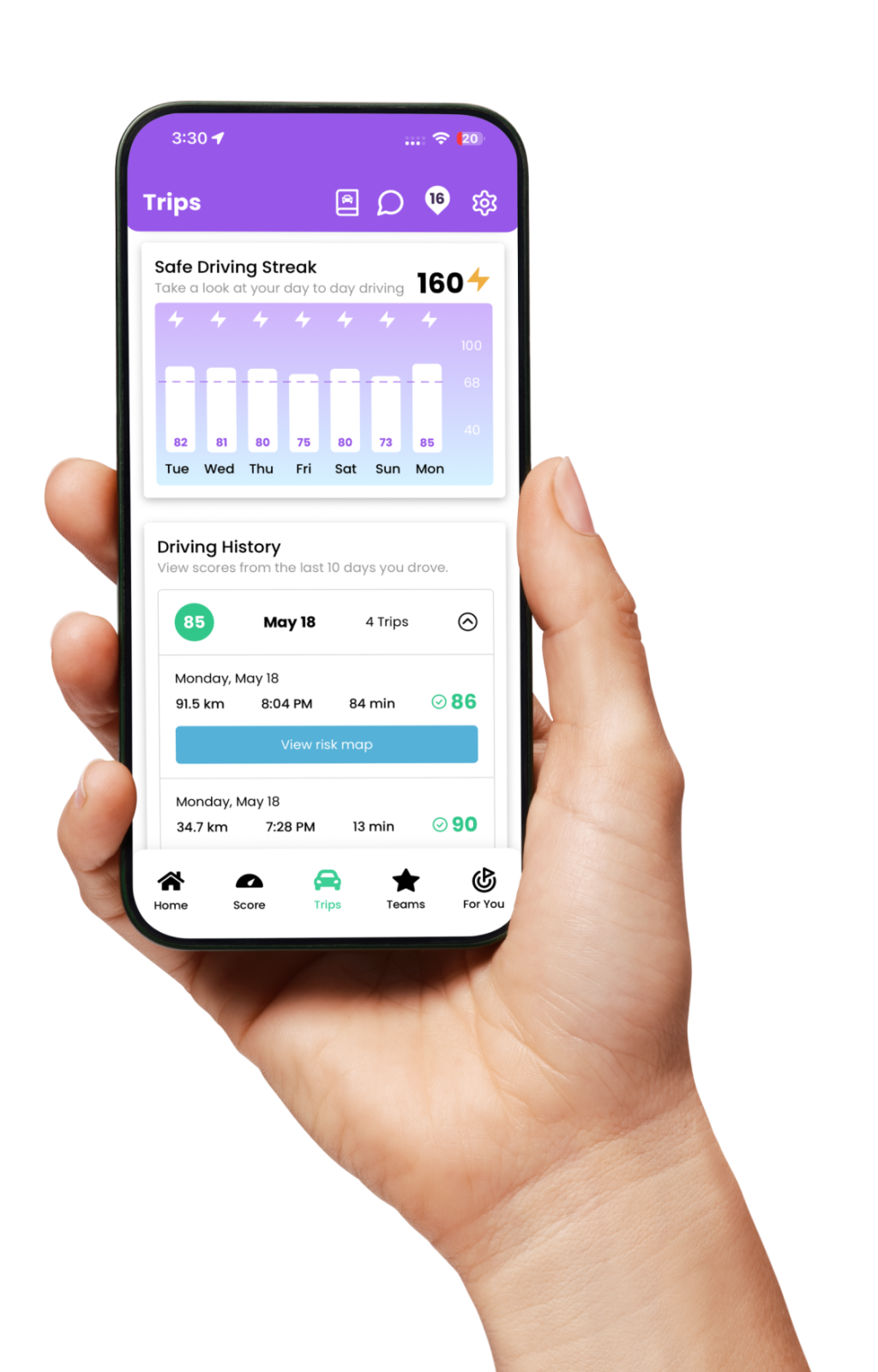
Turn Your Driving Into A Game — One You Can Win
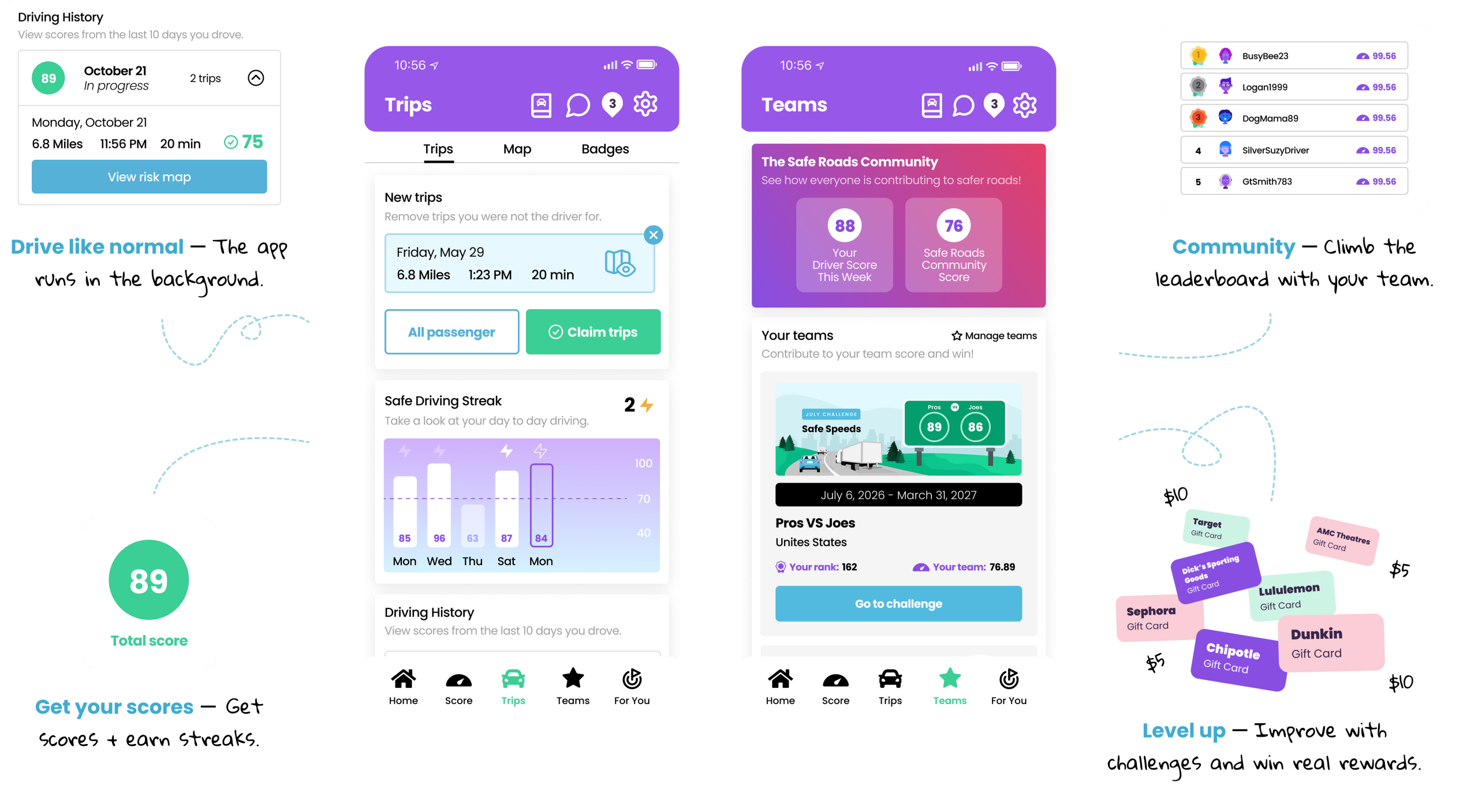
Win real rewards by improving your driving skills and completing challenges.
Enter your team join code:

Your Data Stays Yours
The Safe Roads Challenge:
Your participation is voluntary and your individual results remain private.
Frequently Asked Questions
To join Team PRO, participants should be active commercial vehicle drivers.
Yes! The challenge is completely free for all drivers to join!
Yes. The app can be configured for commercial vehicle driving.
No. Your employer cannot view your driving scores through the challenge.
No.
Safe Roads Challenge does not send or sell user's personal information, location data, or individual performance data to anyone, including your insurance company. For full privacy policy, see: https://saferoadschallenge.com/privacy-policy/
To enter contests or complete in-app quests, you'll need to start by earning safe scores when you drive. Make sure to verify which trips you were the driver for before the claiming deadline for those scores to be reward-eligible (8:00 pm the day after the trip occurred). Earning a safe driver score enters you into contests, challenges, and helps you progress your active quests. Some quests or contests may specify other in-app activities needed to earn entries, like collecting pins, earning streaks, etc.
Download the app and enter join code CMVPRO. To enter a join code, navigate to the app settings and click the “Team Activation” tile.
To view the challenge:
- Make sure you’ve entered the CMVPRO join code (Settings → Team Activation)
- Go to the Teams tab
- Scroll down to “My Teams” and click on the “Go to Challenge” button on the Pros vs. Joes tile
- Don’t forget to check the Quests tab for additional prizes and tasks that may be programmed for your Challenge!
On the Leaderboards Tab, you’ll be able to see how you stack up each week against other drivers in the Challenge. On the Challenge tab, you’ll find Challenge-exclusive prizes and updates, plus you can still earn entries toward other contests available in the app.
Read help articles and submit a support request directly to the Safe Roads Challenge team. Support can be reached at https://support.saferoadschallenge.com/hc/en-us or from the Settings section of the app.
iOS Users: Go to your device's settings, scroll down to Safe Roads Challenge, click on Location, select 'Always' for location access, and turn the 'Precise Location' toggle on. The next step is to ensure that your Motion & Fitness is set to On. To find the Motion and Fitness setting go to device settings select Privacy & Security, go to Motion & Fitness and click Fitness Tracking to On. In addition to these settings, low power mode needs to be turned off as that will interfere with Trips recording in the background of your phone.
Android Users: Go to your device's settings and scroll down to Apps. From there, find and select Safe Roads Challenge, turn your location on to 'Always Allow' and set your Motion and Fitness to On. For Trips to record properly, battery optimization has to be turned off for Safe Roads Challenge. To do this, return to the Apps section of settings, click on the 3 dots in the top right corner, select Special Access, choose Optimize Battery Usage, click on the dropdown beside 'Apps not Optimized' and choose All. Scroll down to Safe Roads Challenge and turn the toggle to Off.