












Unlock the Summer You Actually Want
Your summer starts in the driver’s seat. Drive smart and earn rewards for the places, plans, and brands you actually care about.
Your Summer Reward Lineup
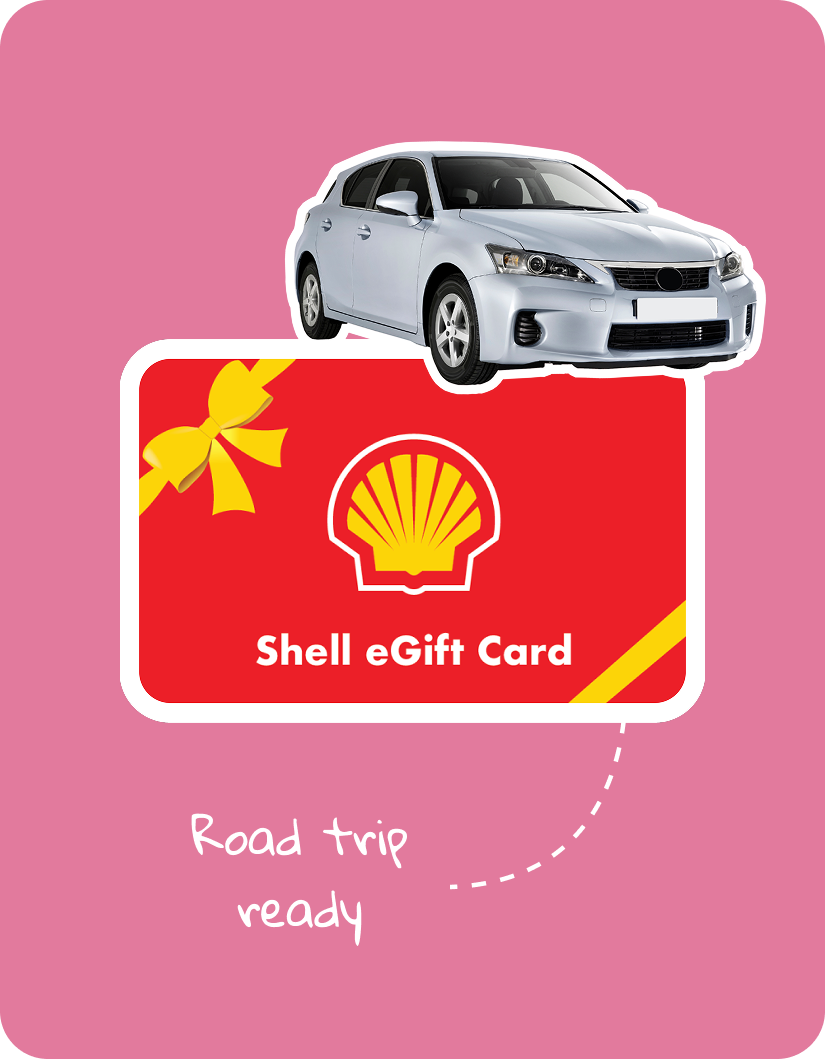
Redeem safe driving credit at over 350+ brands
Grand Prize
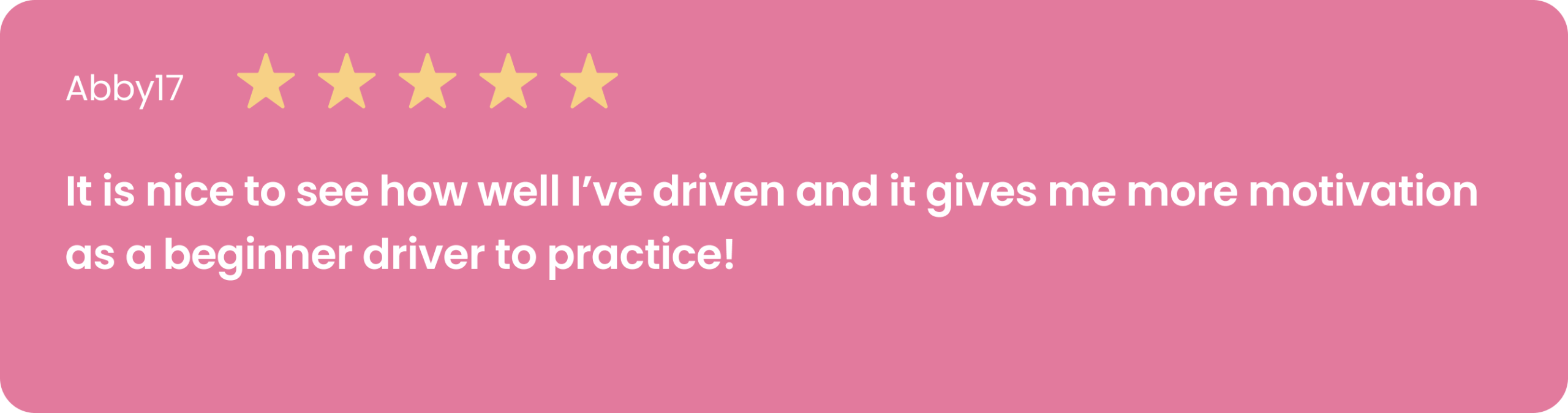
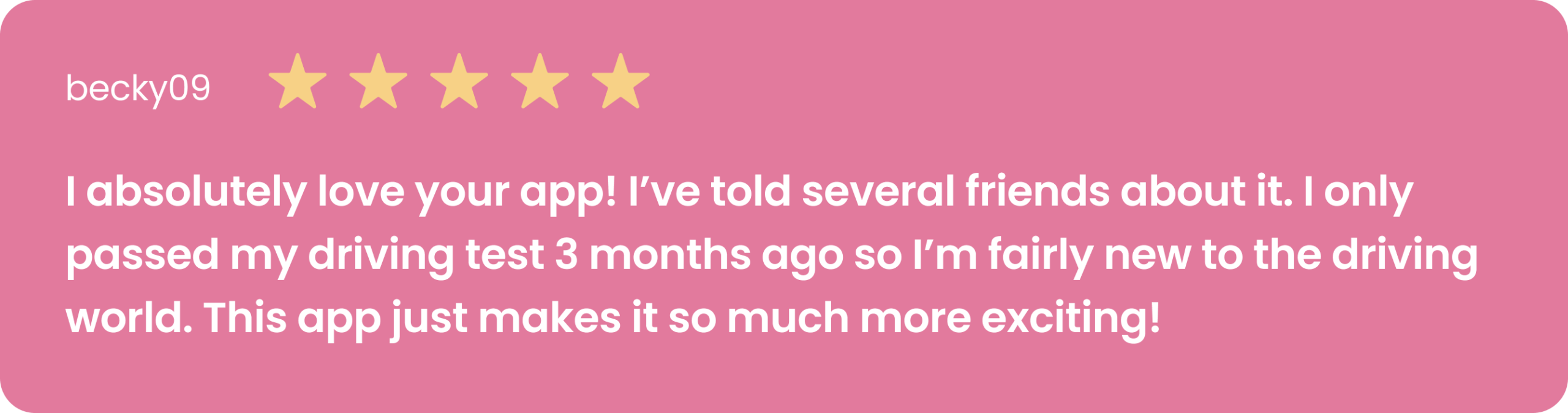
Hear from our users
Take us on the road with you
Redeem safe driving credit at over 350+ brands
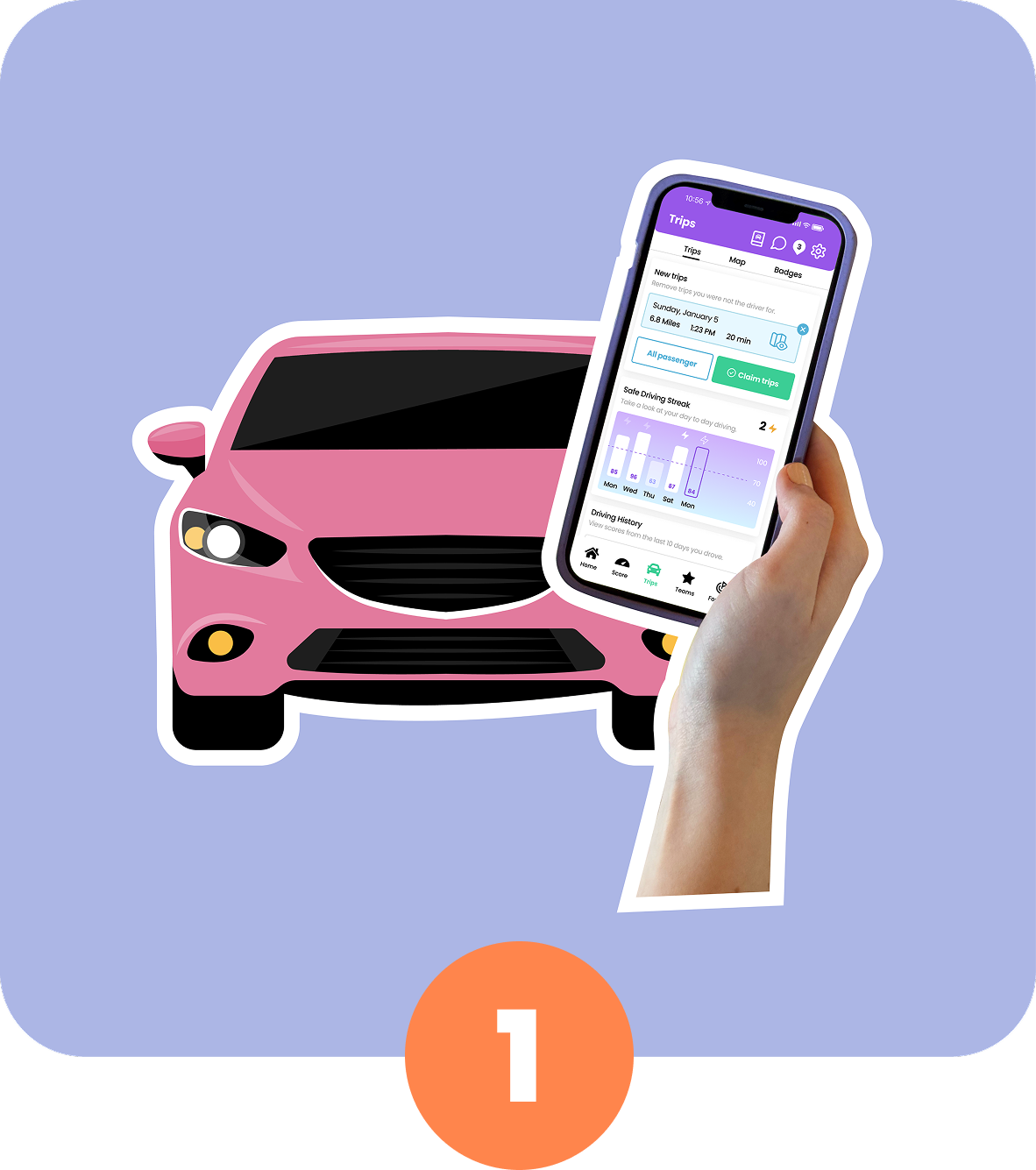
Drive mindfully
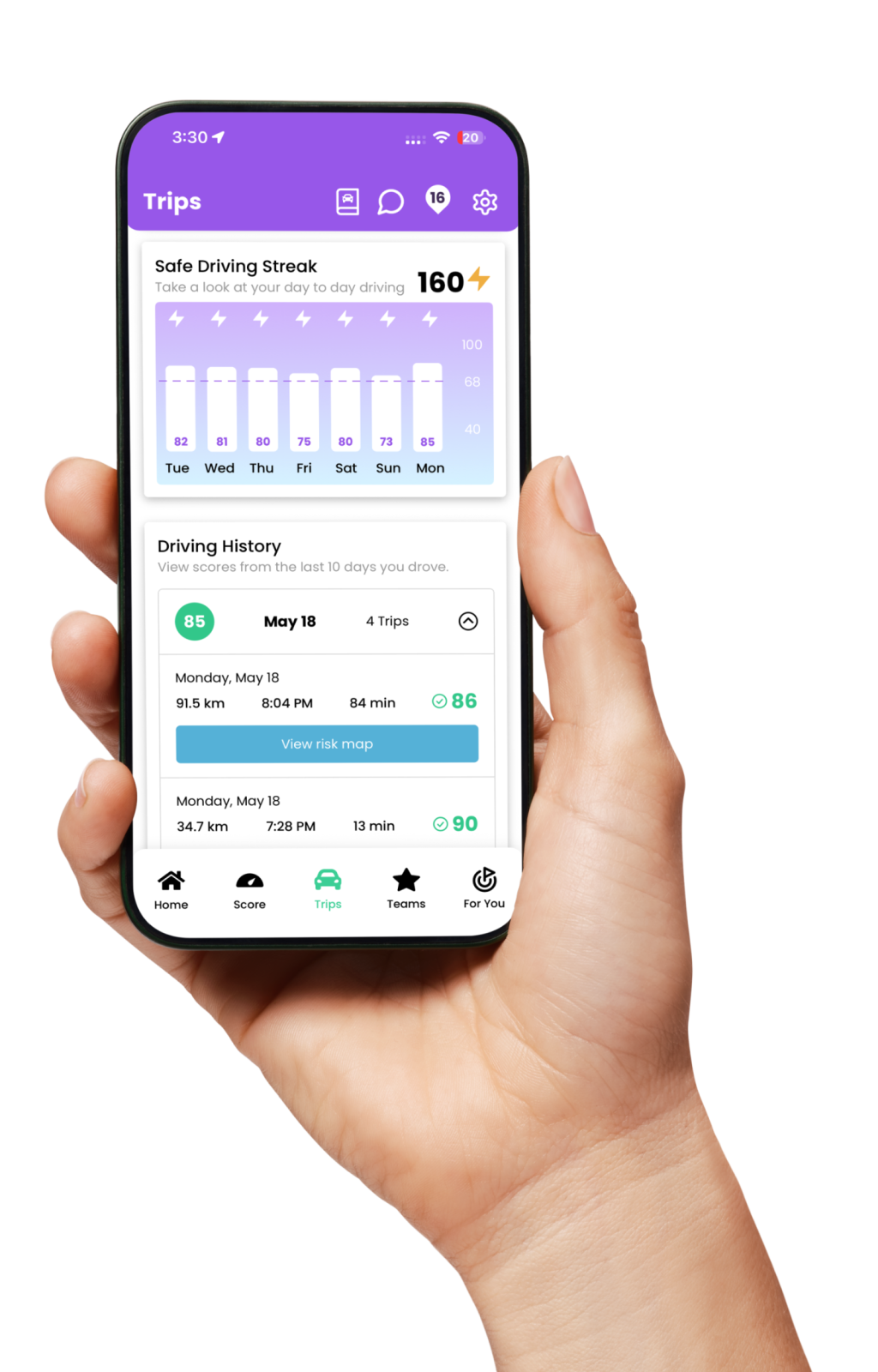
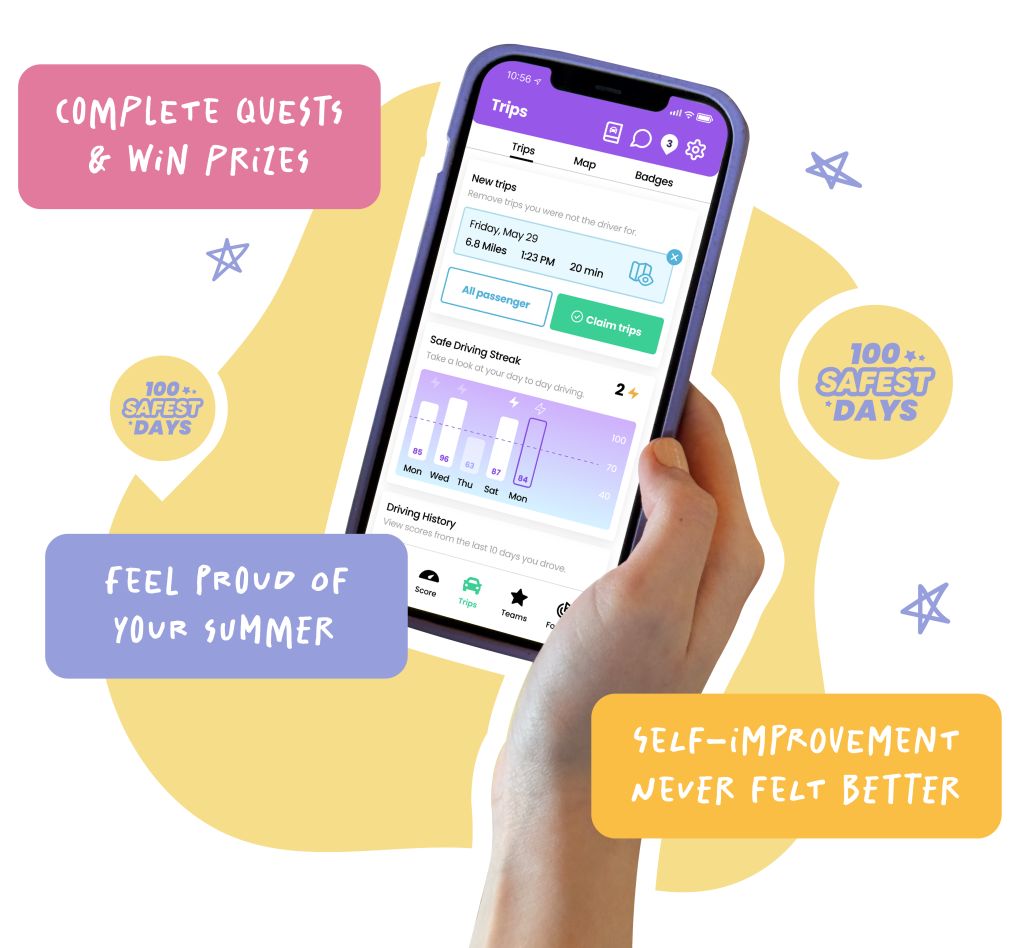
Your trips record in the background, distraction free.

High scores = rewards
Aim for the highest scores to stack rewards.
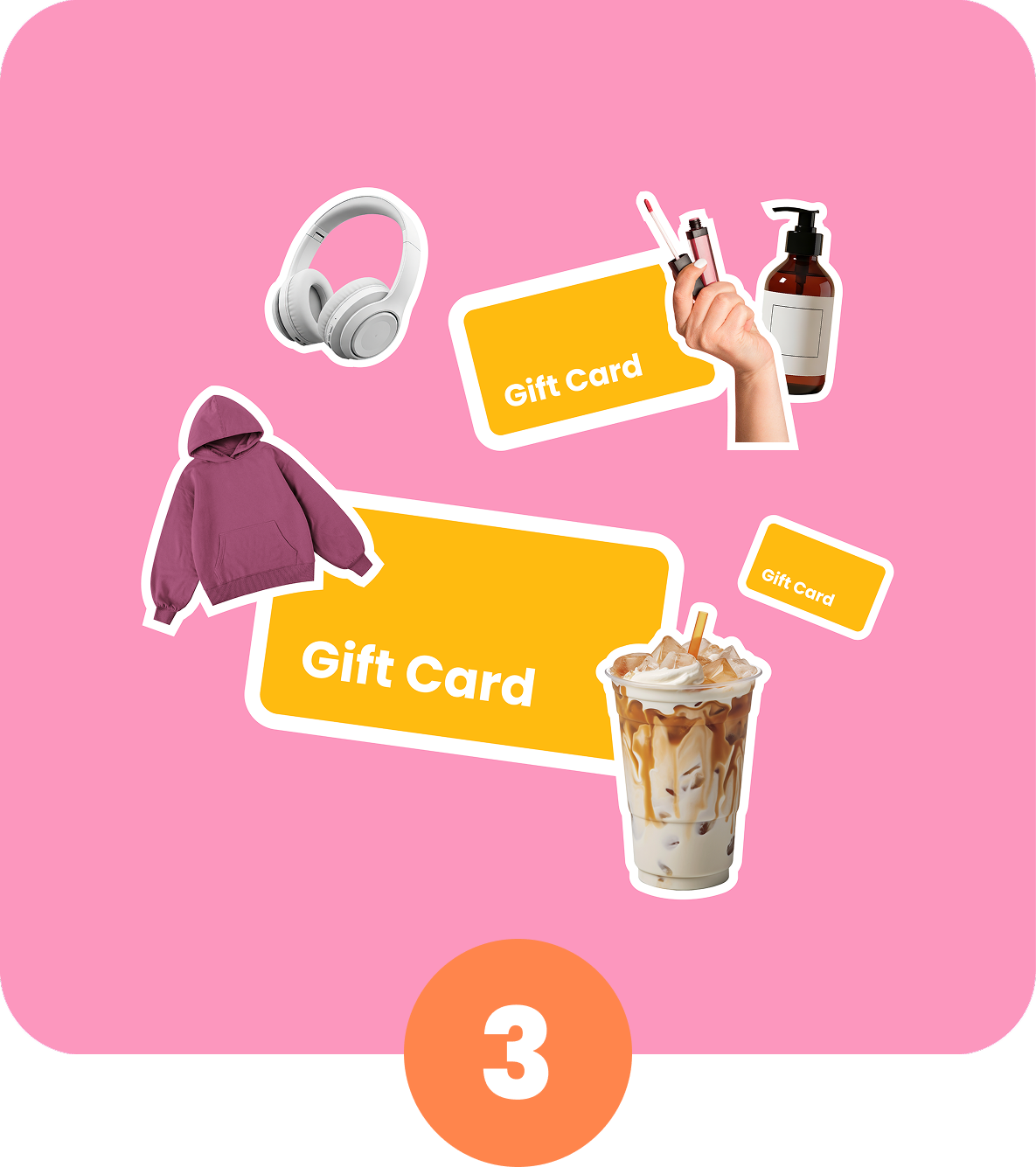
New offers drop each week
Check the quests tab for the latest prizes.
Plus, gain insight into your driving
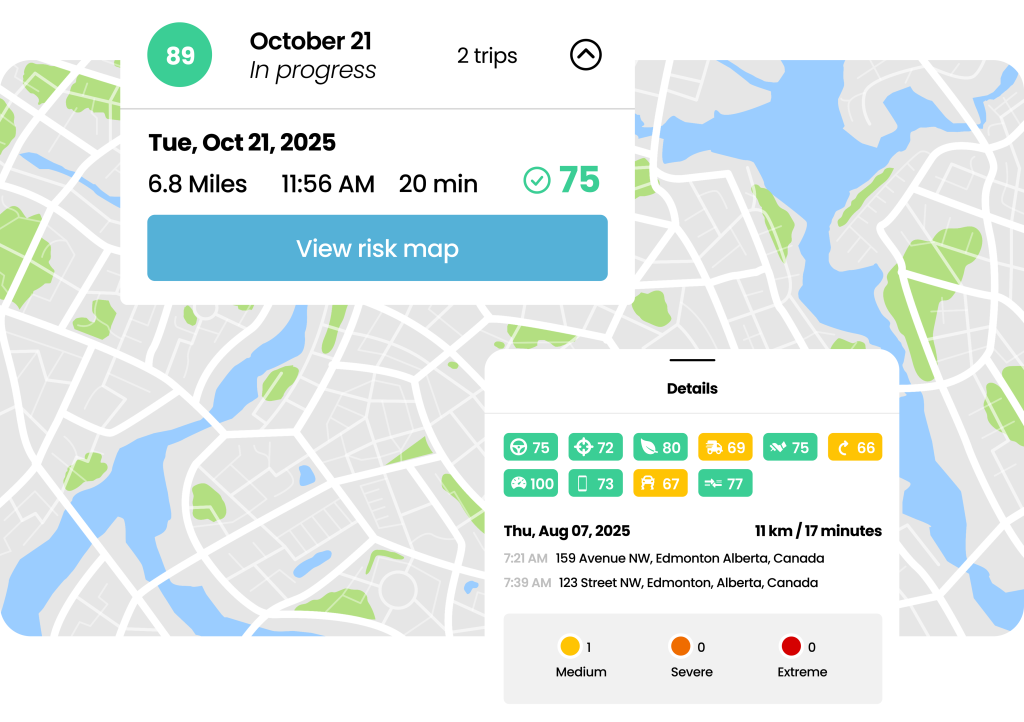
See exactly where you can improve your driving skills and become a better driver.
During the 100 Safest Days, We Can Make a Difference
On the roads, the time between Memorial Day and Labor Day is known to be the riskiest time of the year…in fact, it’s usually called the 100 Deadliest Days. We’re not into that narrative, so we’re working to change it. Each mile you drive safely this summer adds up towards a major difference in our communities. Use your seatbelts, stay distraction-free, don’t drink and drive, and keep it to a safe speed. Let’s do this together.
During the 100 Safest Days, We Can Make a Difference
On the roads, the time between Memorial Day and Labor Day is known to be the riskiest time of the year…in fact, it’s usually called the 100 Deadliest Days. We’re not into that narrative, so we’re working to change it. Each mile you drive safely this summer adds up towards a major difference in our communities. Use your seatbelts, stay distraction-free, don’t drink and drive, and keep it to a safe speed. Let’s do this together.
SRC is a proud member of the 100 Safest Days Coalition, united with 20+ safety allies and industry leaders to make roads safer this summer.
Frequently Asked Questions
Any person residing in Canada or the United States with a valid learner permit or driver license may participate in the 100 Safest Days and use the Safe Road Challenge app.
Yes! The challenge is completely free to join! There are also no ads or in-app purchases.
Safe Roads Challenge does not send or sell user's personal information, location data, or individual performance data to anyone, including your insurance company. For full privacy policy, see: https://saferoadschallenge.com/privacy-policy/
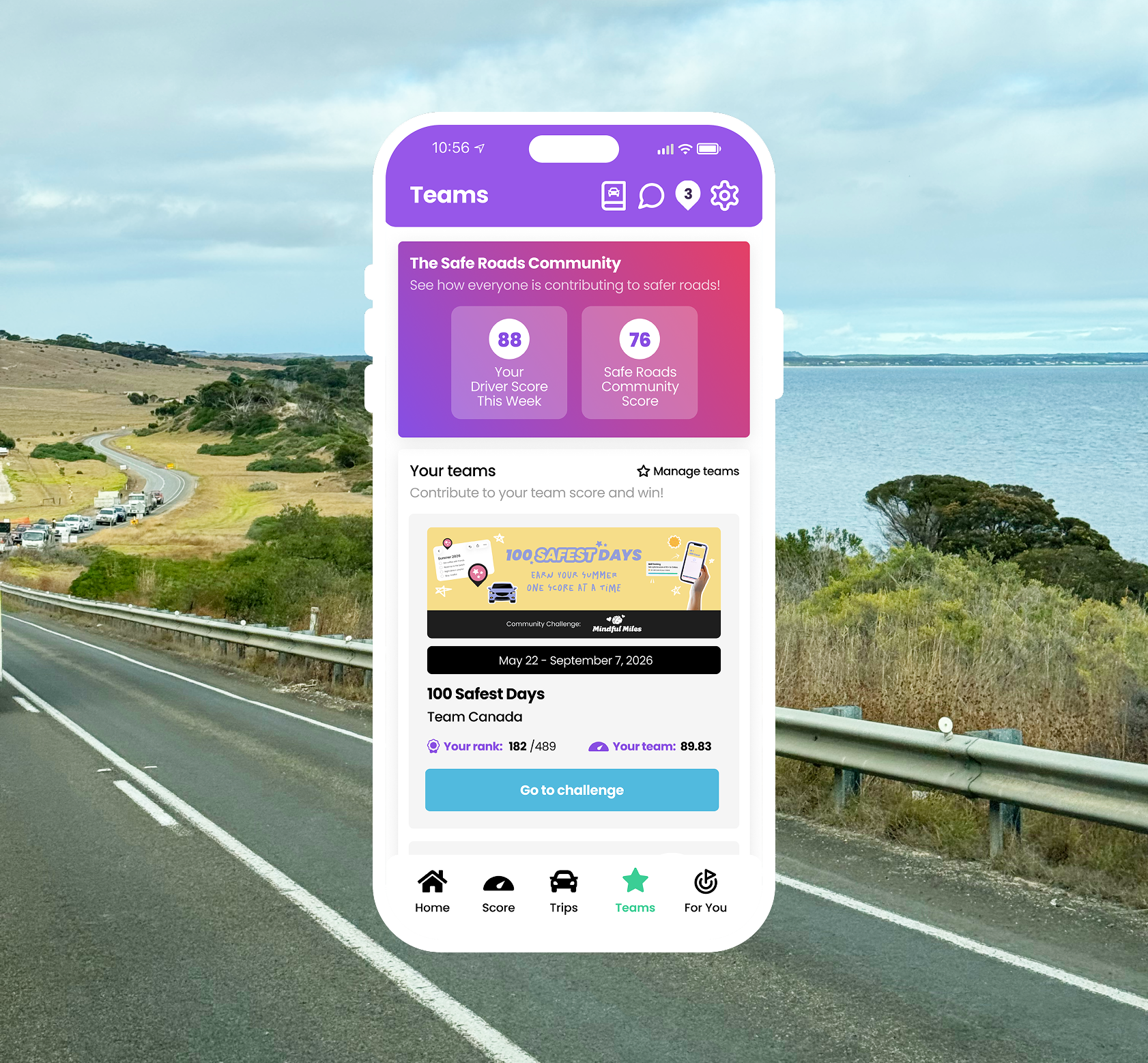
You will see 100 Safest Days related challenges throughout the Safe Roads Challenge app. Watch out for new tasks with limited prizes dropping each week in the Quests tab (For You > Quests), as well as draw based contests in both the Contests tab (For You > Contests) and the Teams tab (Teams > Challenges).
No. The app is designed to use very minimal battery and data. Trips are recorded efficiently in the background, and we delay processing until after your drive is complete. The app will use Wi-Fi to upload trip data instead of cellular whenever possible - helping reduce data usage even further.
iOS Users: Go to your device's settings, scroll down to Safe Roads Challenge, click on Location, select 'Always' for location access, and turn the 'Precise Location' toggle on. The next step is to ensure that your Motion & Fitness is set to On. To find the Motion and Fitness setting go to device settings select Privacy & Security, go to Motion & Fitness and click Fitness Tracking to On. In addition to these settings, low power mode needs to be turned off as that will interfere with Trips recording in the background of your phone.
Android Users: Go to your device's settings and scroll down to Apps. From there, find and select Safe Roads Challenge, turn your location on to 'Always Allow' and set your Motion and Fitness to On. For Trips to record properly, battery optimization has to be turned off for Safe Roads Challenge. To do this, return to the Apps section of settings, click on the 3 dots in the top right corner, select Special Access, choose Optimize Battery Usage, click on the dropdown beside 'Apps not Optimized' and choose All. Scroll down to Safe Roads Challenge and turn the toggle to Off.
Read help articles and submit a support request directly to the Safe Roads Challenge team. Support can be reached at https://support.saferoadschallenge.com/hc/en-us or from the Settings section of the app.